
Layarva Studio
Design for screens. Right inside Layarva.
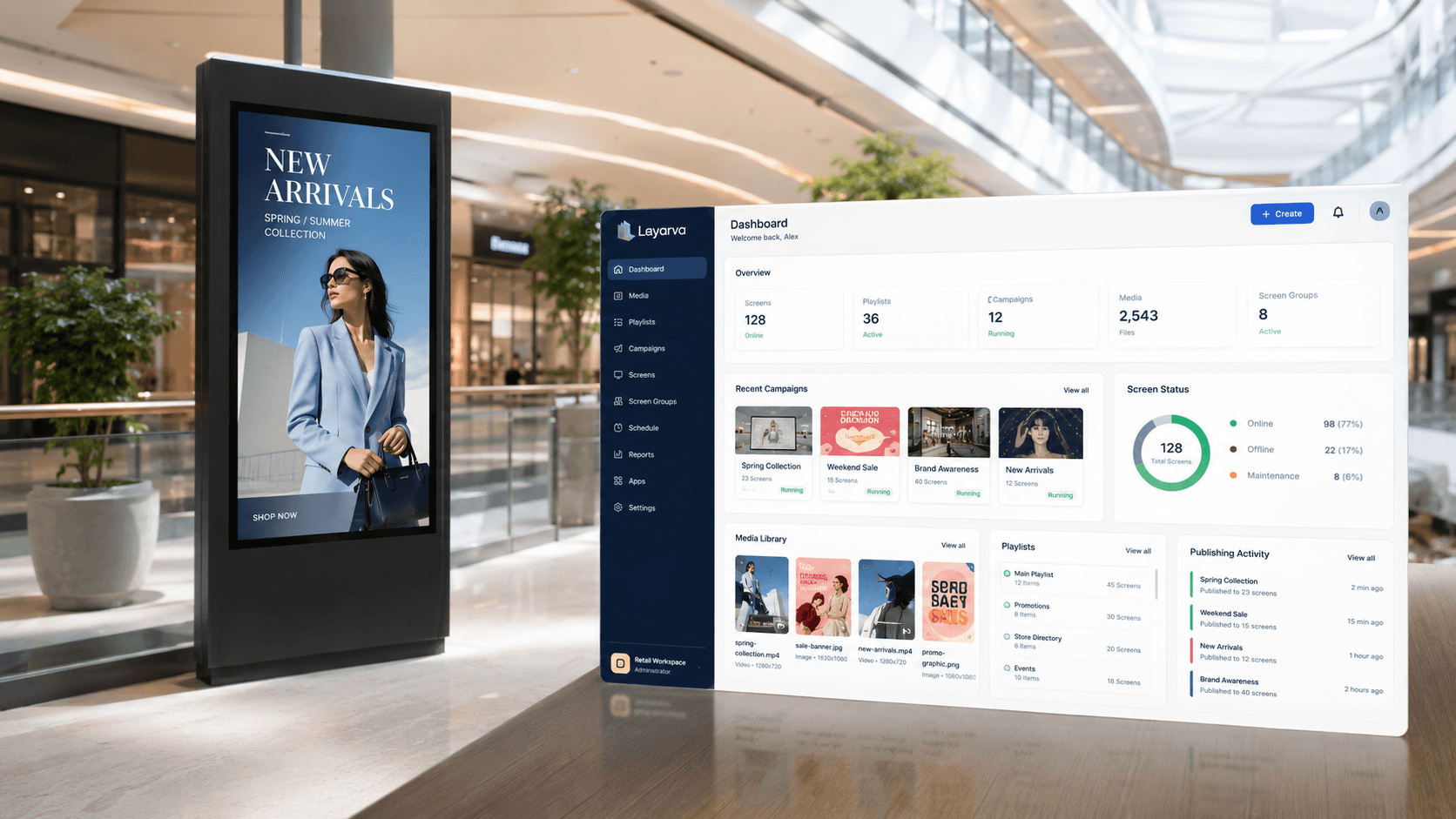
Build professional screen layouts without switching between several design tools, then send them to a playlist and a schedule without exporting anything.
What is in the canvas
Build more than a digital poster.
Text & shapes
Headings, prices, announcements and typography, with rectangles, circles and lines to structure them.
Media
Images, video and audio placed directly on the canvas rather than as a whole-screen fill.
Motion
Animated backgrounds and Lottie animation, for movement that does not need a video file.
Frames & elements
Reusable visual pieces and content cards, so a second screen does not start from nothing.
Templates
Start from a designed screen and change what is yours.
Widgets
Dynamic blocks that show information rather than a fixed picture of it.
Ticker
Running text for announcements, news and promotions along the edge of a layout.
Custom widgets
Components built for one organization's data, on plans that include them.
Canvas sizes
Not every screen is a landscape TV.
A portrait kiosk, a lobby video wall and a counter display are different canvases, and Studio treats them that way.
Publish workflow
From canvas to screen without an export.
- 1
Design & save
Work on the canvas at the exact size the screen will play.
- 2
Playlist
Put the layout in a sequence with the rest of the content.
- 3
Schedule
Decide when it plays, and on which screens or channels.
- 4
Publish
Create a version the players can fetch, validate and activate.
Your signage shouldn't require five different design tools.
The layout, the media, the schedule and the screen it plays on are the same piece of work. Studio keeps them together.
Design your first screen.
The Free plan includes one Cloud Screen and the basic canvas — enough to see the whole workflow end to end.