
Education
Keep students, staff and visitors informed.
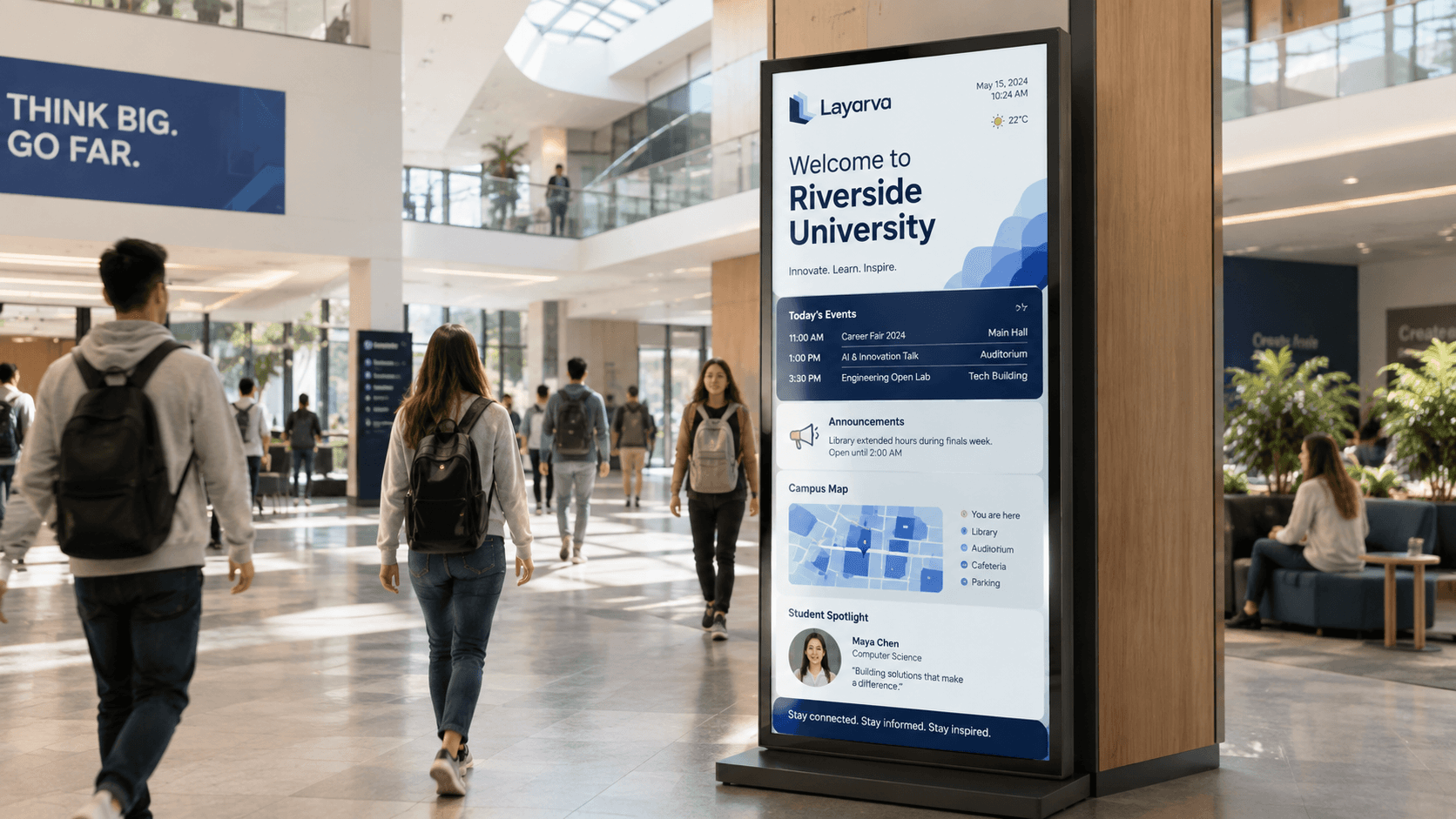
A noticeboard reaches whoever walks past it and nobody else. Screens across the campus reach the same people in the places they already stand.
Use cases
Across the campus.
Announcements
Published centrally, visible in every building.
Schedules
Class, exam and facility schedules, updated where they change.
Campus information
Directions, opening hours and service points for visitors.
Registration queue
Cloud QR registration and digital queue tickets for enrolment or administration, with optional forms and operator calls.
Event communication
What is on this week, promoted where students actually look.
Emergency information
A message that can be put on every screen quickly.
Paperless Queue · QR KiosK Cloud
Campus service queues, with a ticket on your phone.
For registration or administrative services, students and visitors scan the kiosk QR, choose a service, and receive a digital ticket. Optional forms can collect a student number or registration details before the counter calls them.
Explore paperless Queue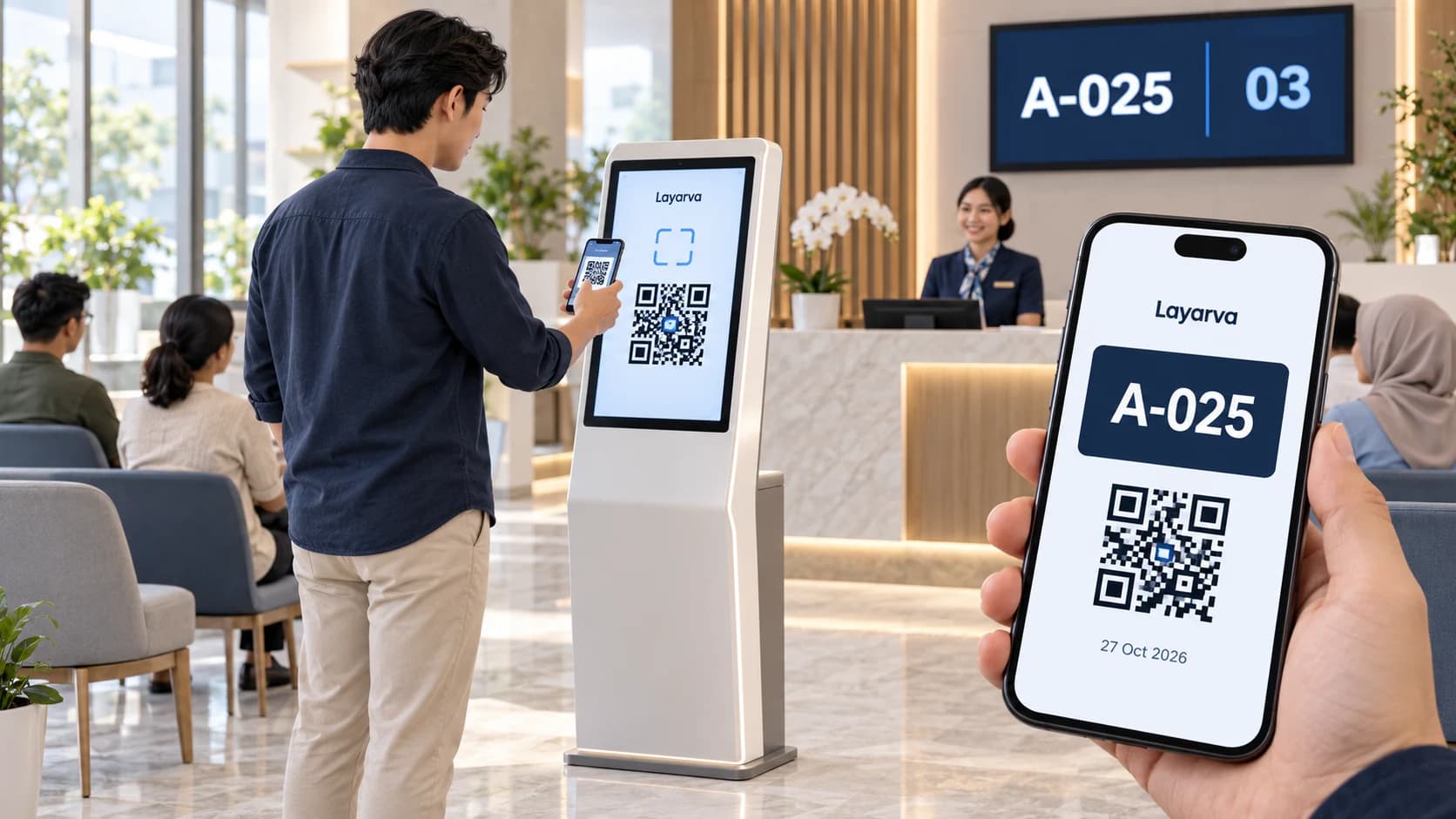
Scan at the kiosk
Open the QR from the kiosk screen using your phone camera.
Choose a service
Choose a queue in your phone browser and complete a form if one is enabled.
Save your digital ticket
Receive a ticket with a queue number and QR that you can download. Wait for the service call.
QR paperless mode requires Cloud and an internet connection, via a kiosk browser or the supported Layarva Android KiosK app. Visitors use their phone browser. QR mode is not available for Edge or Offline. Regular kiosks with supported ticket printing remain available.