
Solutions
One platform. Many ways to put screens to work.
The same Studio, the same screens, the same queue. What changes between industries is the problem being solved, not the tool solving it.
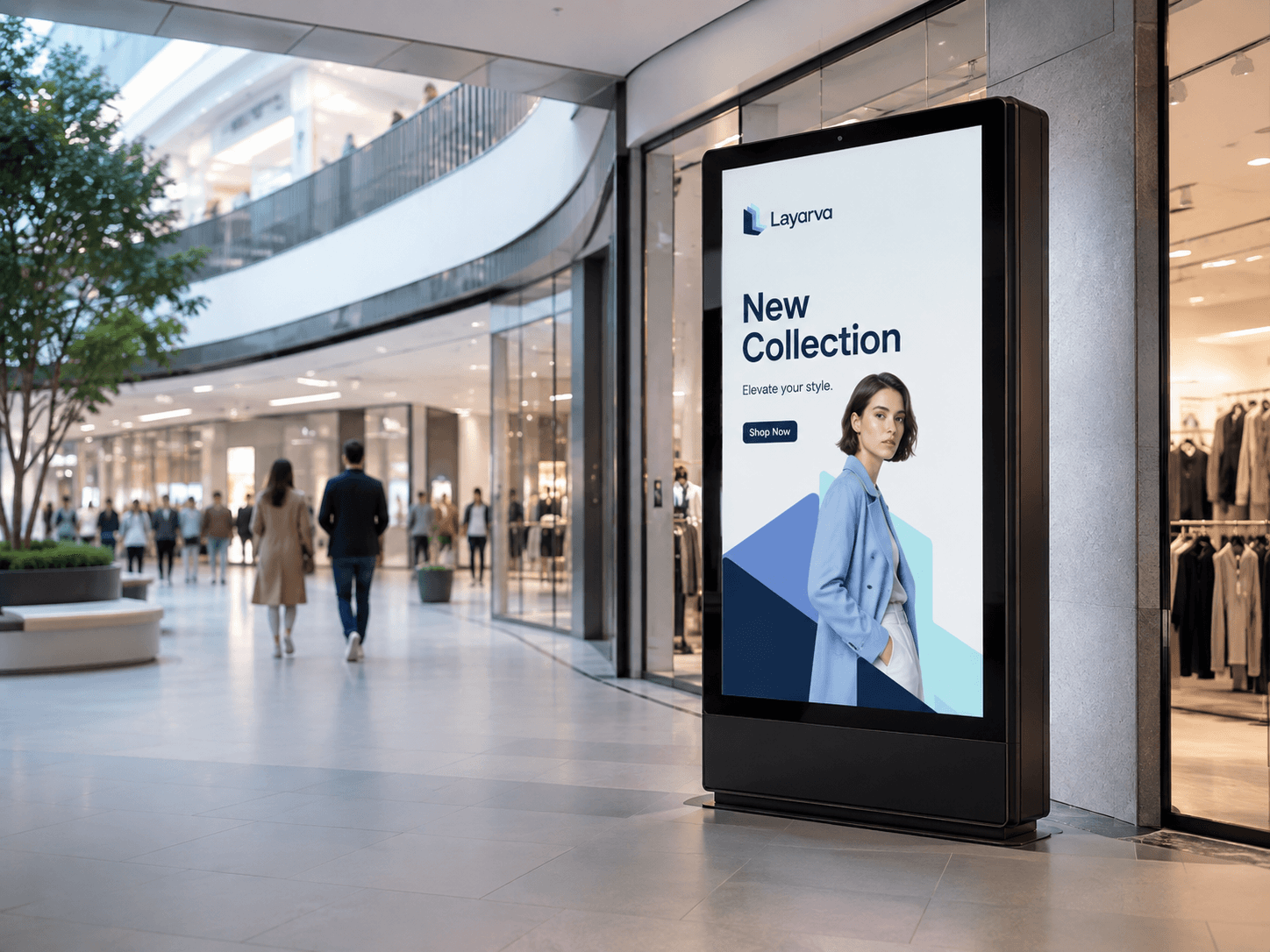
Organizations
Informing people who belong there
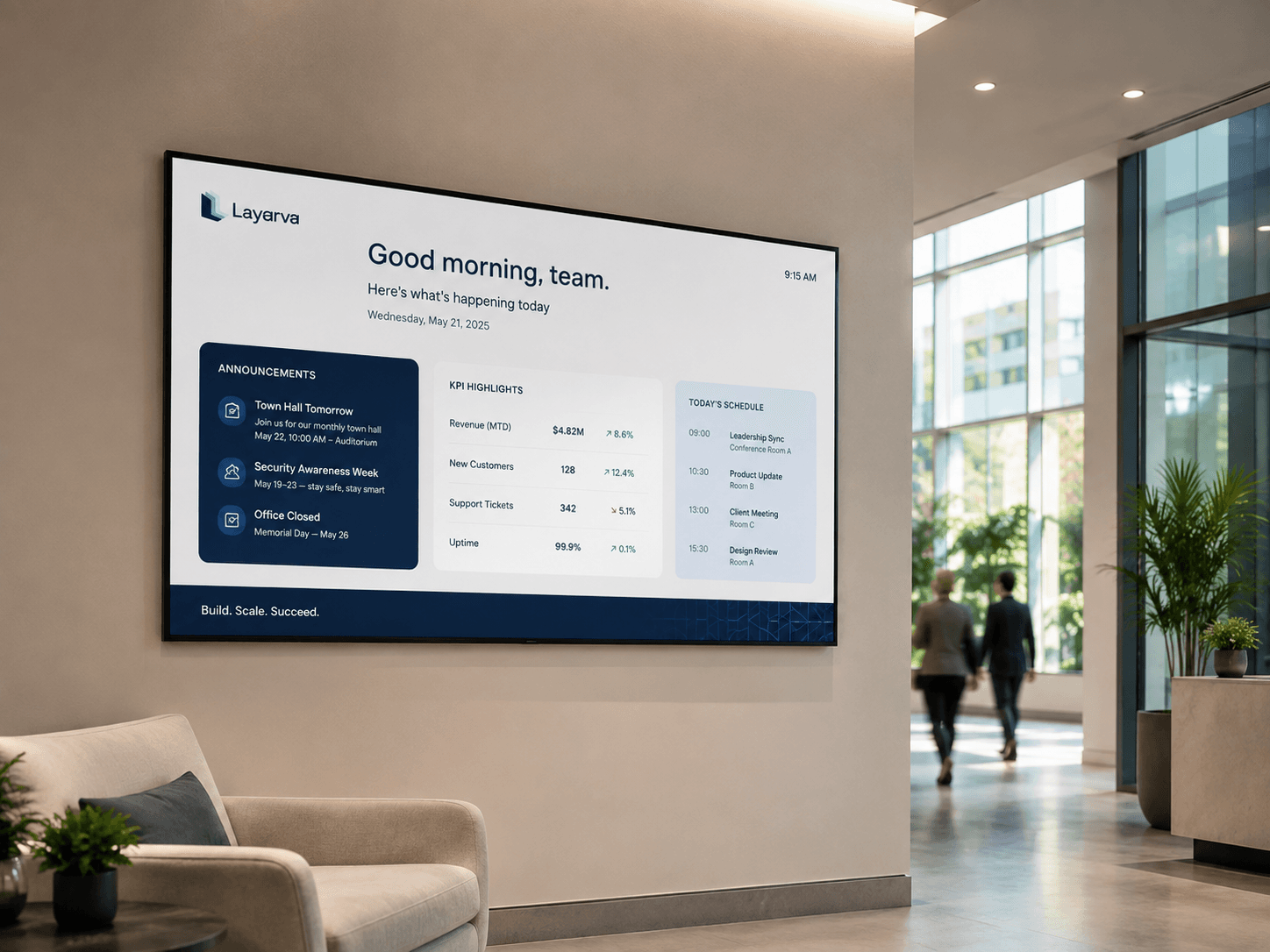
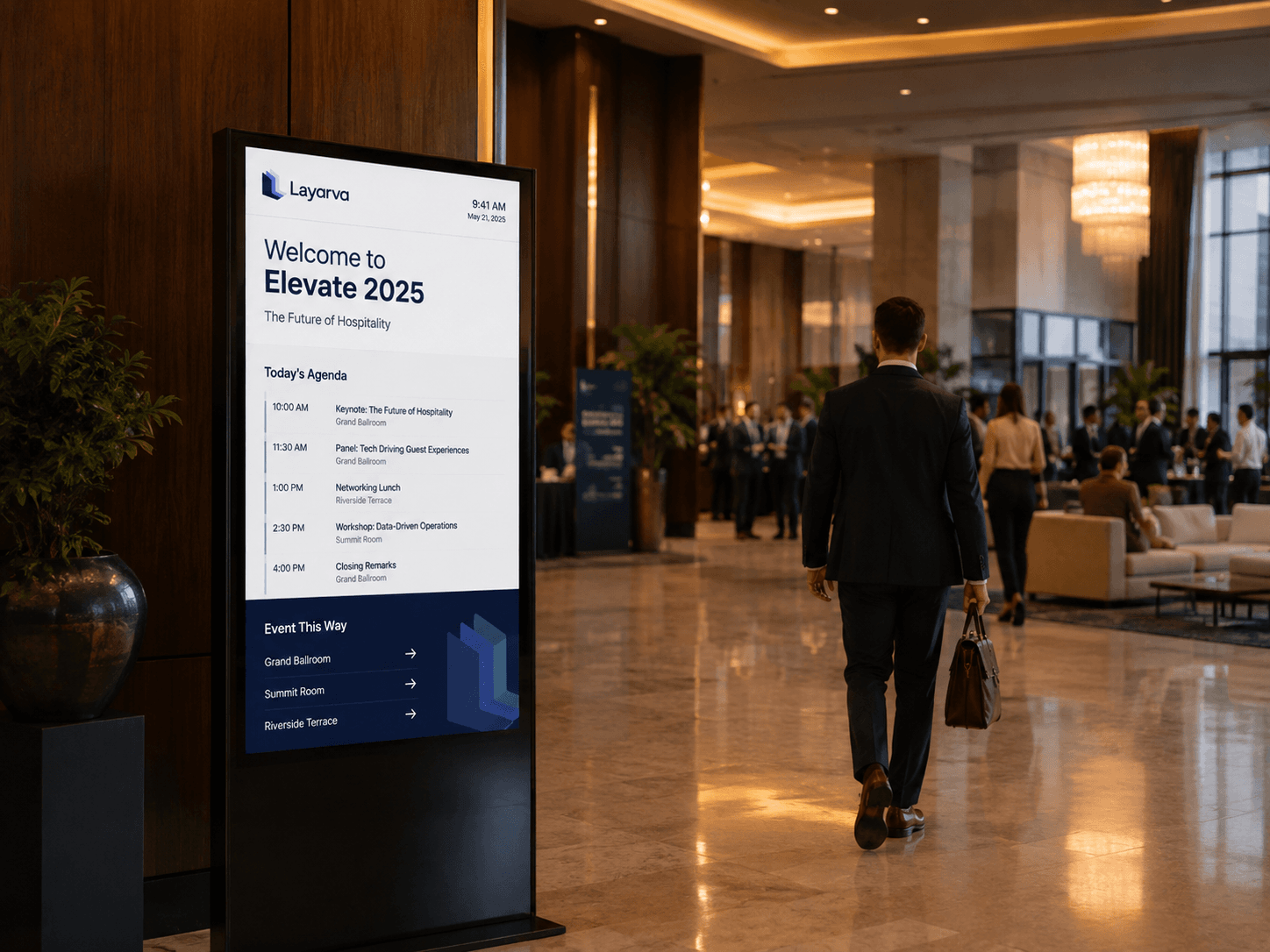
Corporate
Turn office screens into a connected internal communication channel.
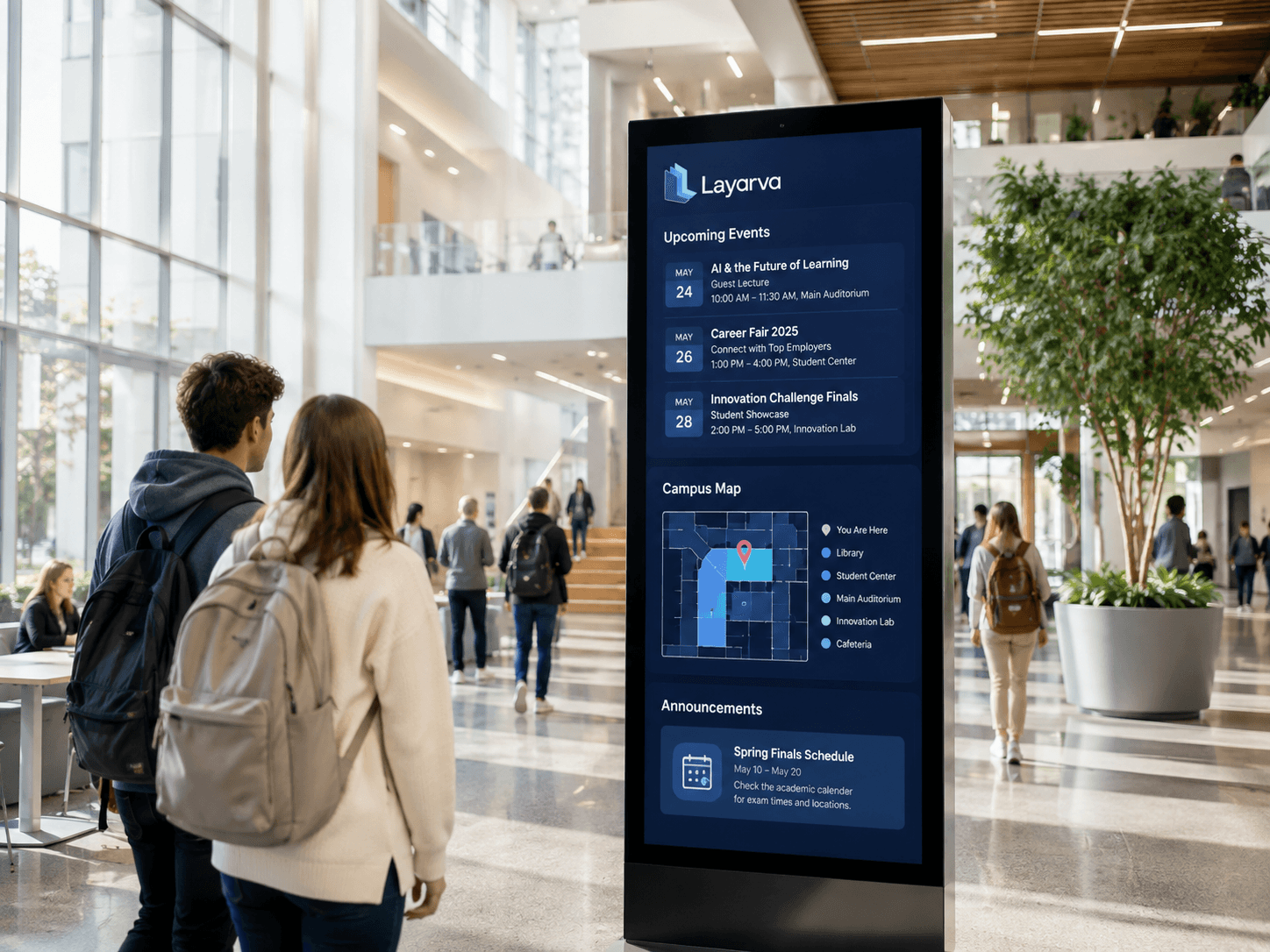
Education
Keep students, staff and visitors informed across every building.
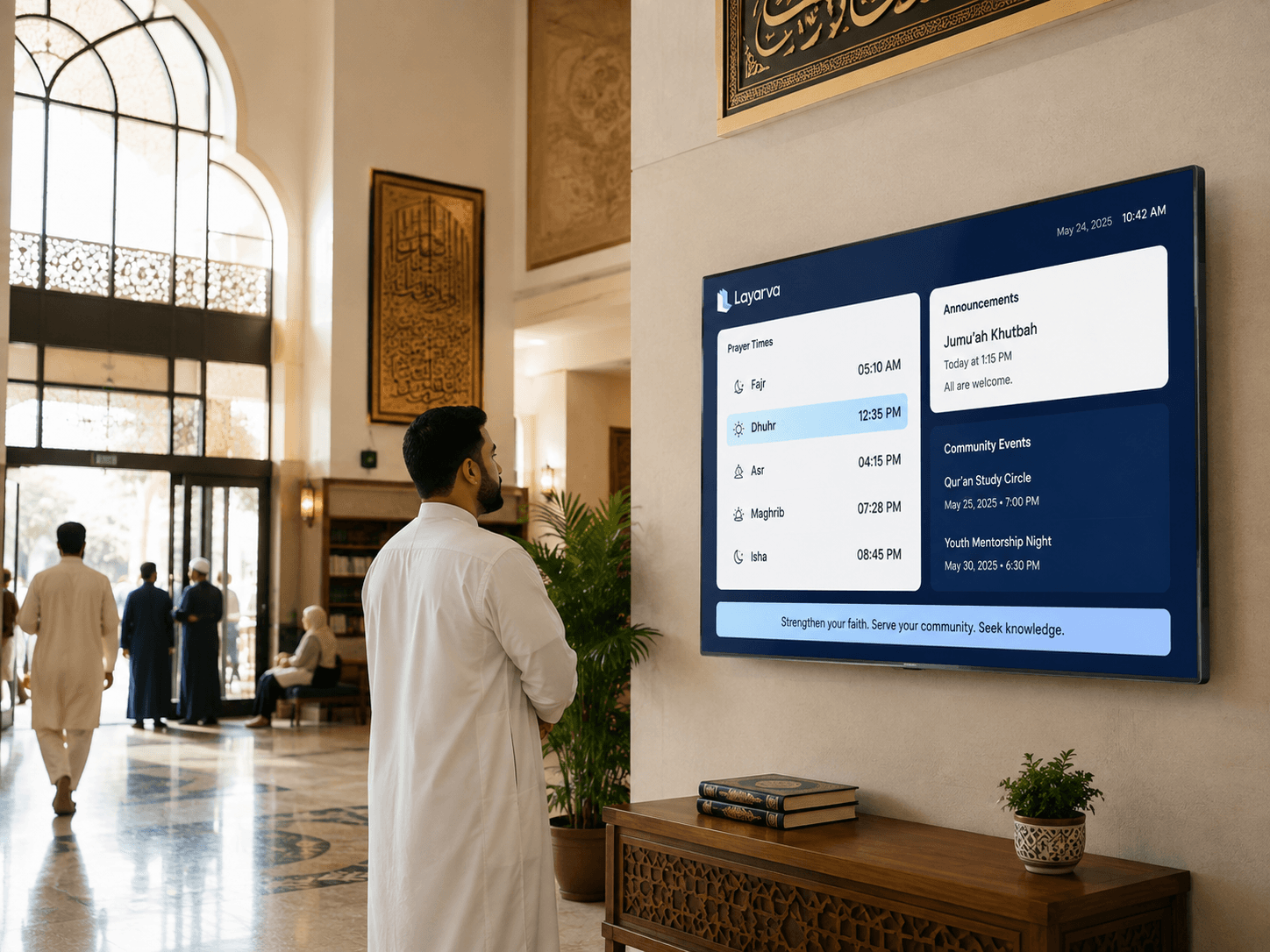
Religious Organizations
Information screens designed for places of worship — schedules, announcements and community programmes.
Services & operations
Where people wait, and where work happens
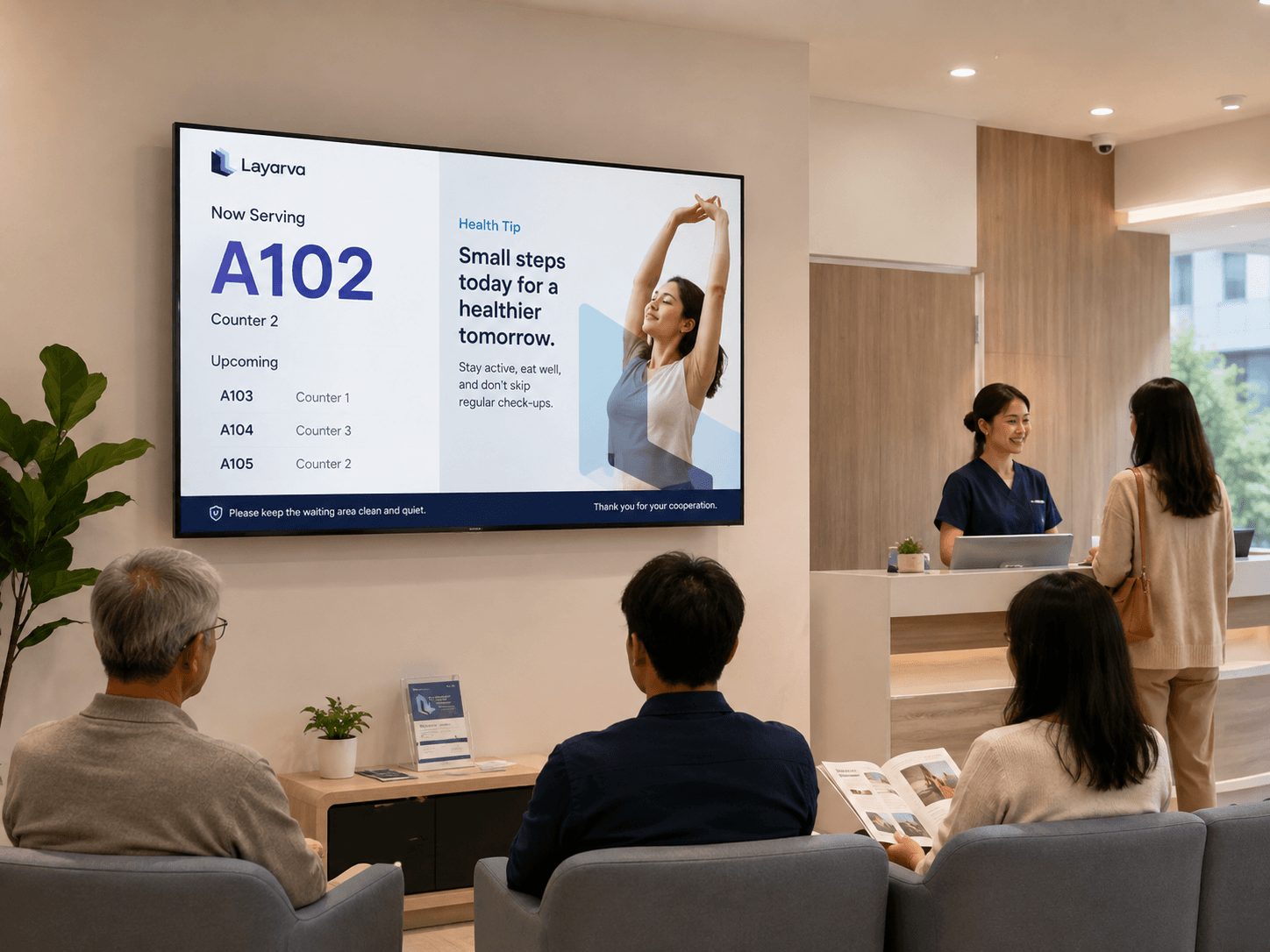
Healthcare
Connect paperless Cloud QR tickets, patient service queues, and waiting-room information.
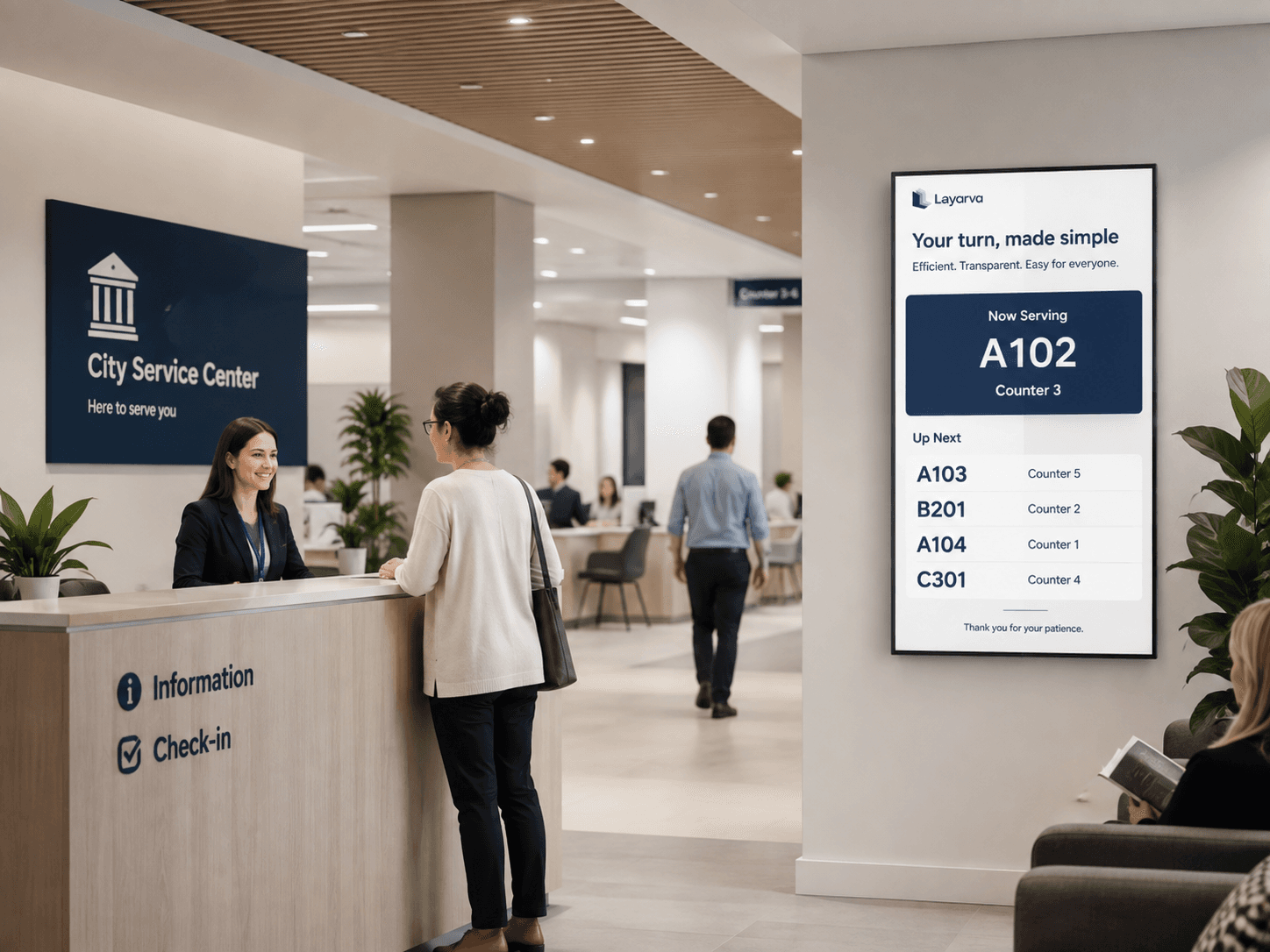
Public Service
Bring paperless Cloud QR registration, service counters, and citizen information together.

Manufacturing
Bring production figures, targets and safety information to the floor.
Paperless Queue · QR KiosK Cloud
Scan the kiosk. Keep your ticket on your phone.
Let visitors choose a service from their own phone and receive a digital queue ticket. Your Cloud QR KiosK runs without a ticket printer, paper rolls, or shared service buttons.
Explore paperless Queue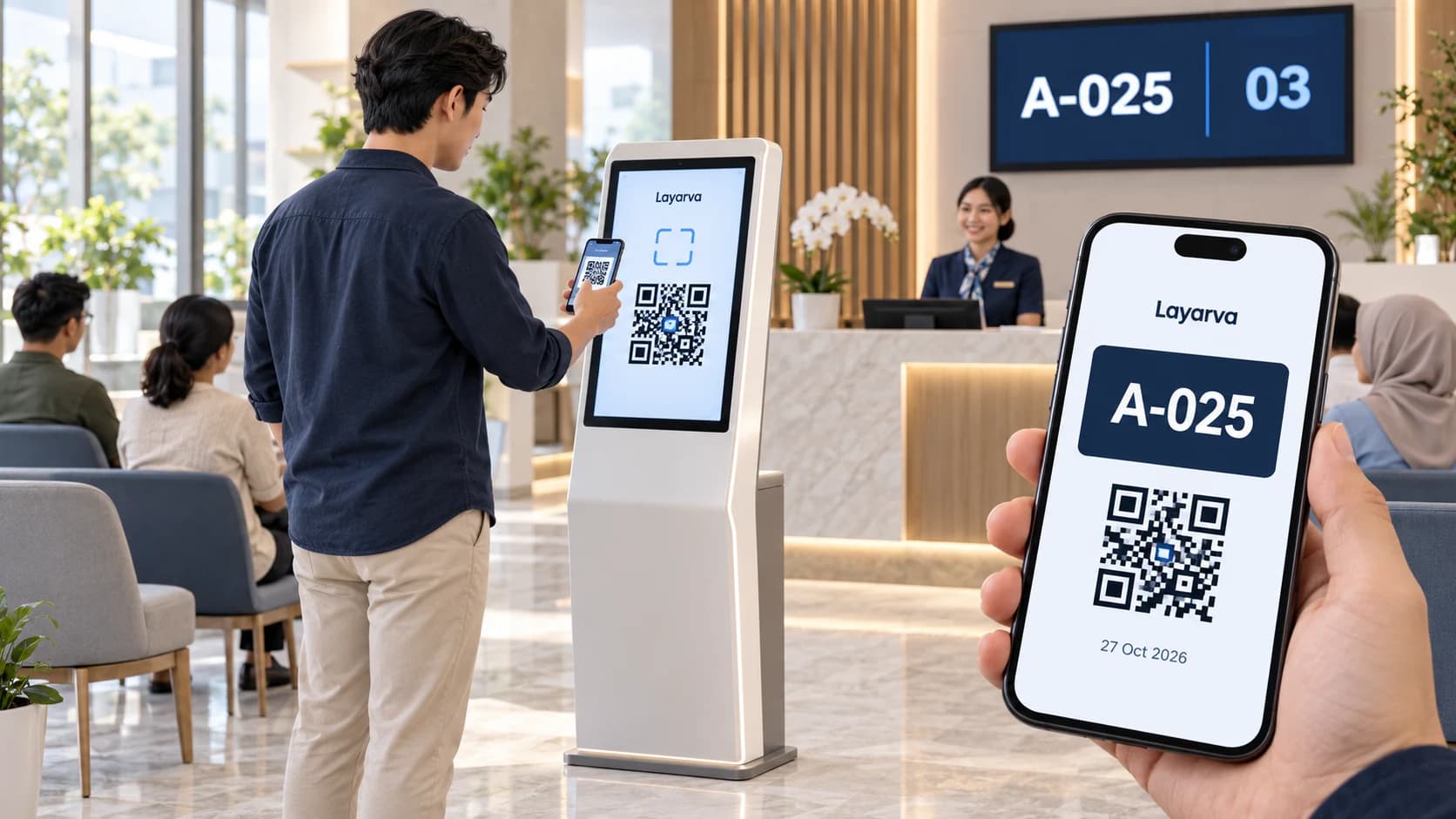
Scan at the kiosk
Open the QR from the kiosk screen using your phone camera.
Choose a service
Choose a queue in your phone browser and complete a form if one is enabled.
Save your digital ticket
Receive a ticket with a queue number and QR that you can download. Wait for the service call.
QR paperless mode requires Cloud and an internet connection, via a kiosk browser or the supported Layarva Android KiosK app. Visitors use their phone browser. QR mode is not available for Edge or Offline. Regular kiosks with supported ticket printing remain available.
Not sure which one you are?
Most deployments borrow from two or three of these. Tell us what the screens need to do and we will focus the demo on that.